Workflows Overview
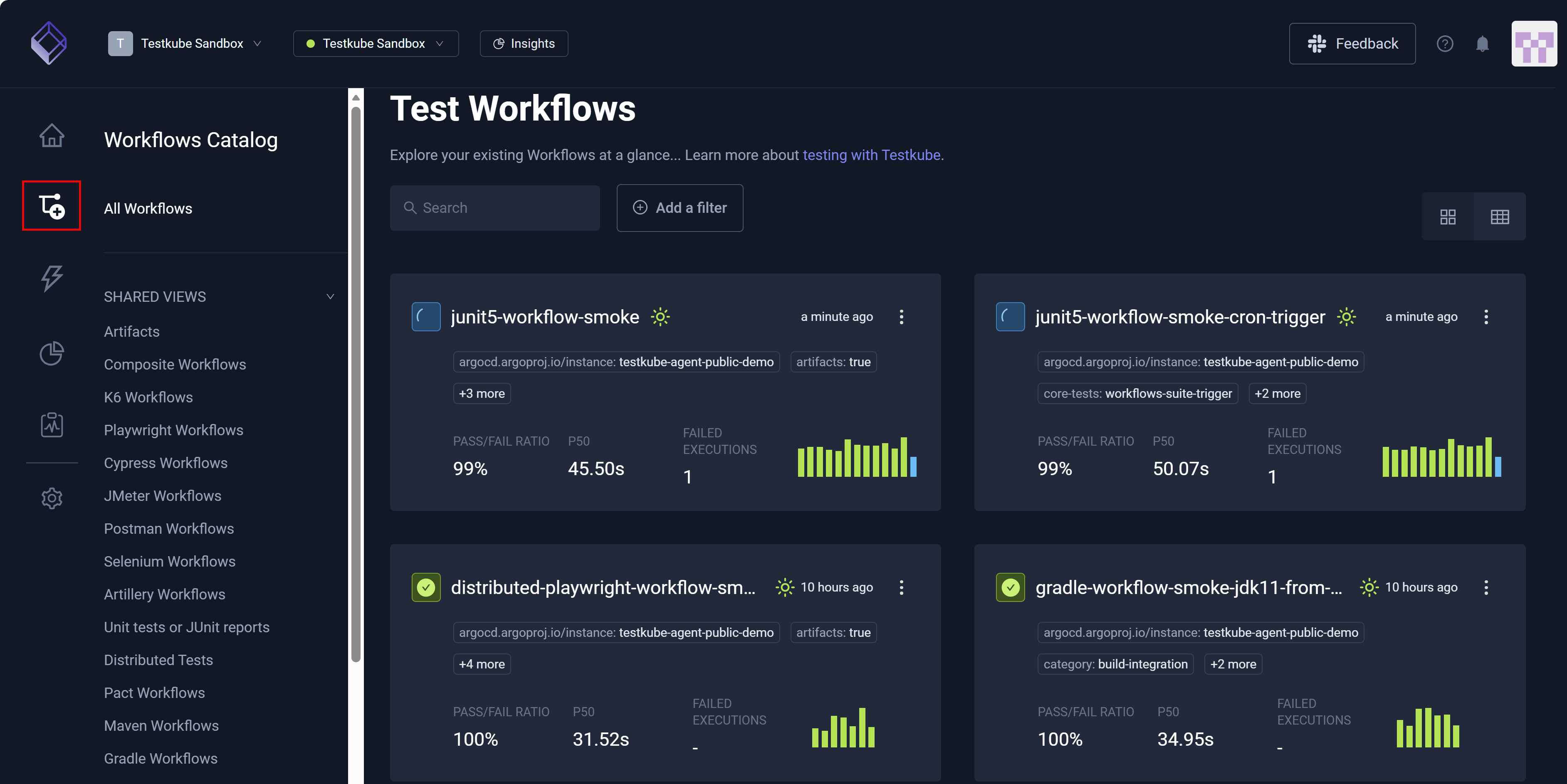
The Workflows Overview displays all workflows in the Environment you selected, which includes the most recent and the execution status of each.
Views
You can switch from the Grid view to the Table view for all workflows.

Search and Filter
You can Search and Filter your workflows to narrow the output. When you search for a workflow, Save as view becomes visible.
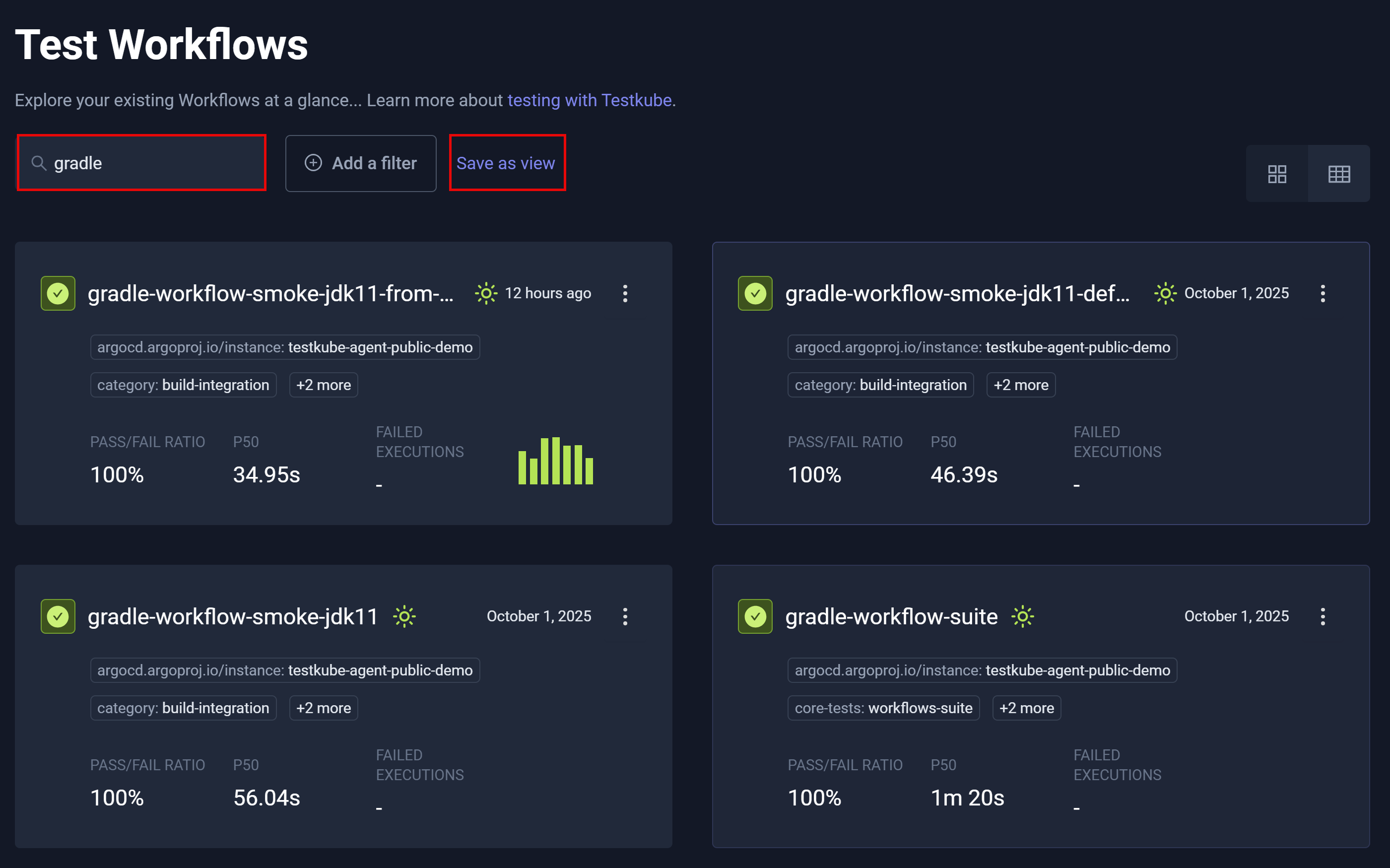
When you click Save as view, Save new view opens – enabling you to retain the view.

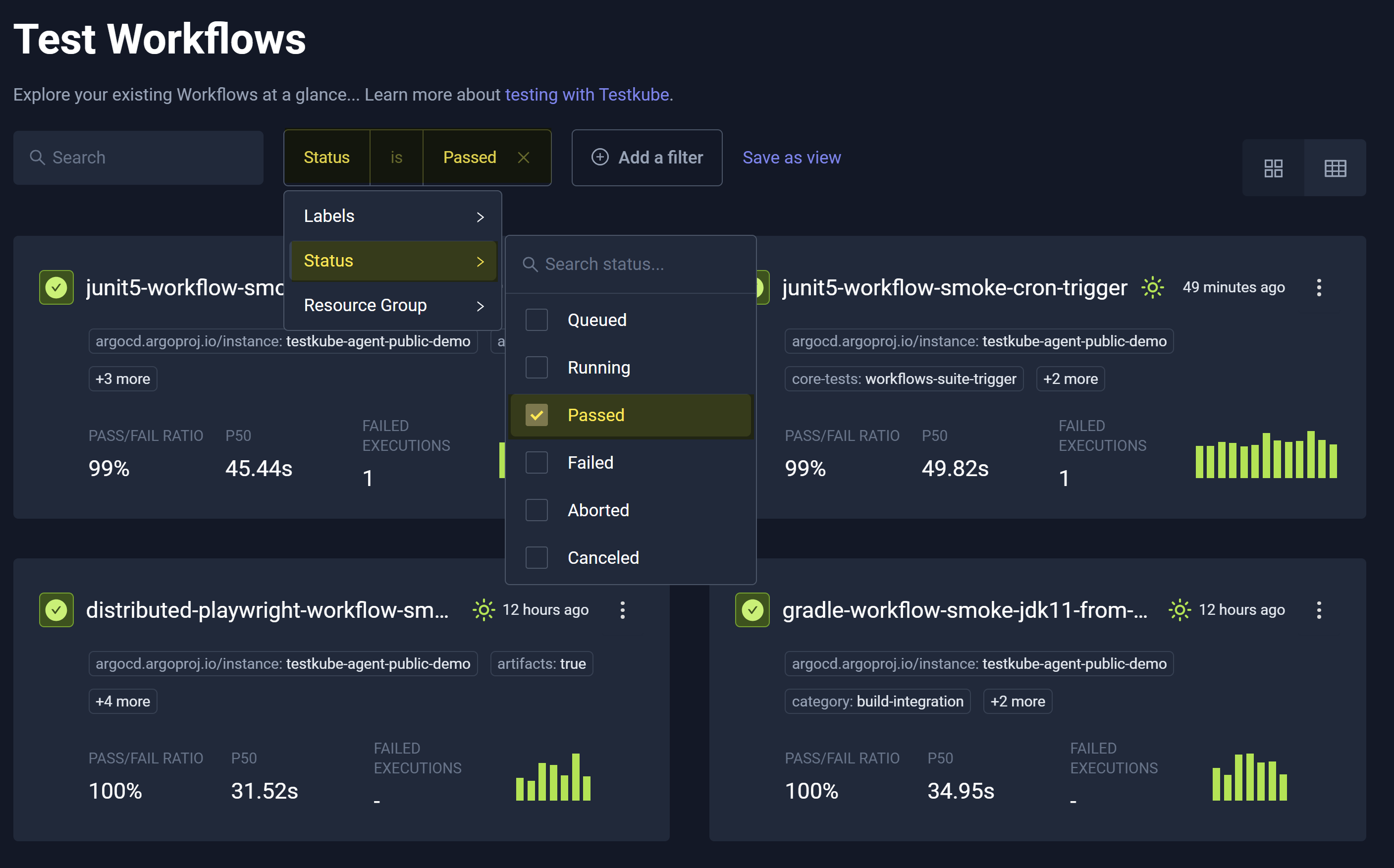
You can also filter workflows by separately selecting Labels, Status, and Resource Group and choosing one or more parameters.